Collecting guides
Pokémon Collection Tracker App: Organize Cards with Brickify
Build a Pokémon collection in Brickify: scan cards, check variants and quantities, organize your inventory, and understand changes in estimated value.
Brickify connects Pokémon card scanning with collection tracking. Save identified cards, keep quantities and condition accurate, and follow estimated collection value as you add, trade or sell cards.
The useful collection is the one that matches what you own. A new pull, a trade and a duplicate all change that record. Start with a small part of the binder and build a routine you can keep using after the first scan.
Start with one physical group
Pick one binder page, storage box or recent purchase. Scan and review it completely before moving to the next group. This makes it easier to find a card again and prevents the same pile from being counted twice.
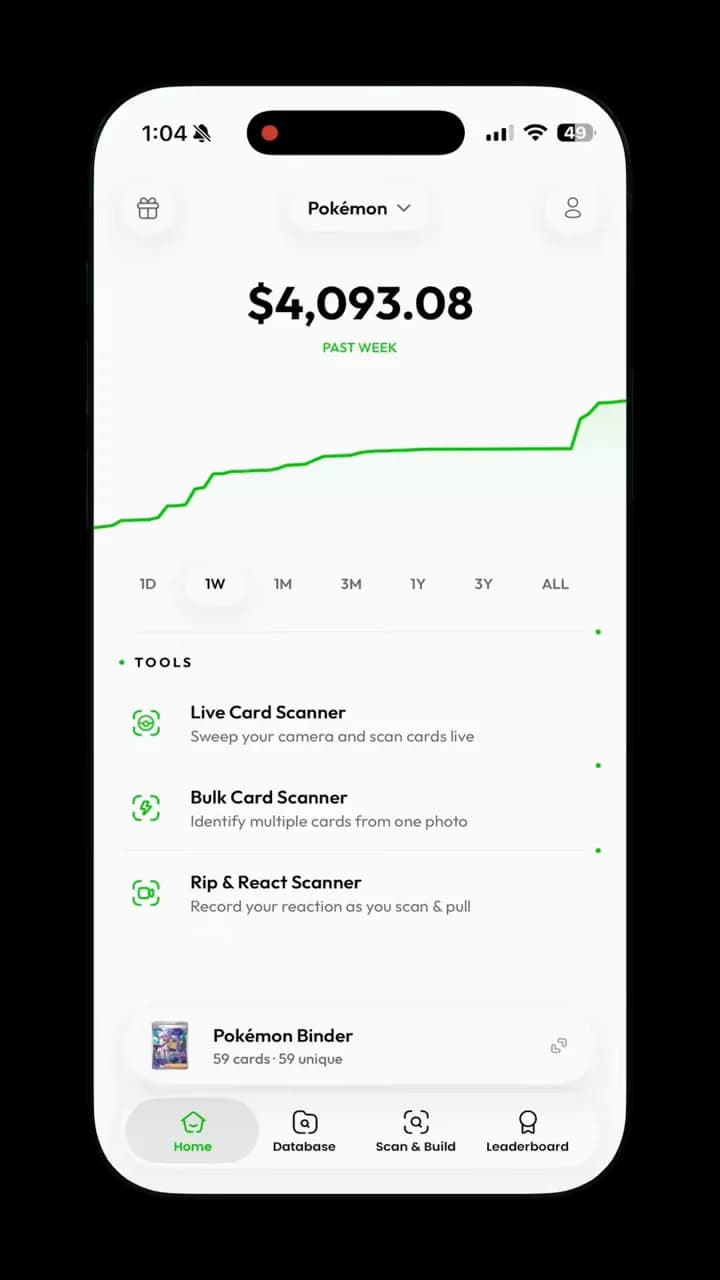
A Pokémon collection overview brings the binder and its value history together. Keep the cards and quantities in the app aligned with the cards you own.
From a Brickify app recording. Displayed values are examples from the capture, not current quotes.View full-size screenshot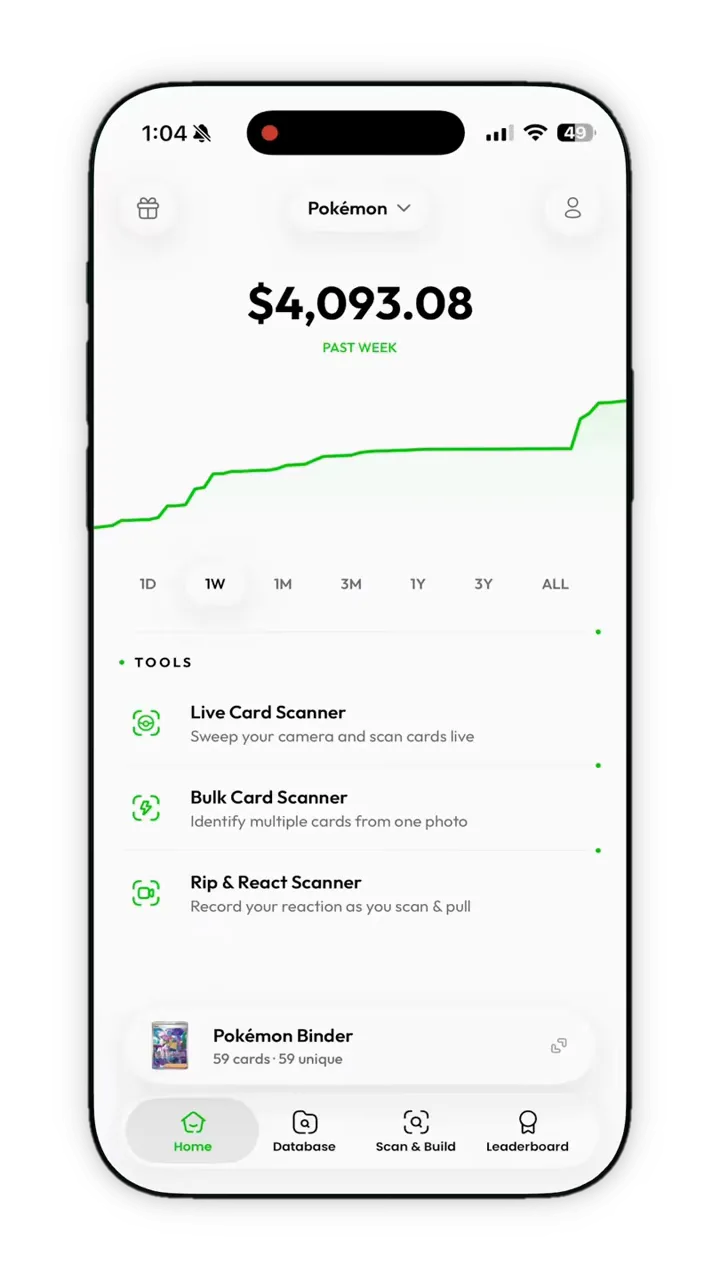
Keep these records accurate
| Detail | Why it matters |
|---|---|
| Printing and variant | A similar-looking card can be a different collectible. |
| Quantity | Three copies should contribute three copies, not one or an accidental fourth. |
| Condition | Wear affects which comparisons are useful. |
| Purchase information | What you paid is different from today’s estimate. |
| Ownership | Remove or adjust cards after a sale or trade. |
Add cards in a consistent order
- Scan the card or a clear batch and check the identified printing.
- Review the version and physical condition.
- Confirm the number of copies you own before saving.
- Keep related cards together in a way that matches how you store or collect them.
- After a sale or trade, update the record while the details are still fresh.
Understand changes in collection value
A collection estimate can change because you add cards, remove cards, correct a printing, update a quantity or receive different market data. A higher total does not necessarily mean the existing cards increased in price. Compare like-for-like holdings before calling a change a gain.
Purchase cost and estimated value answer different questions. One records money you spent; the other is a reference for current value. Neither guarantees the amount you would receive from selling the whole collection together.
Handle duplicates without losing variants
Keep several copies of the same printing separate from visually similar versions. A regular finish and a reverse-holo finish may need distinct records even when the name and artwork look familiar. Review the physical cards when the distinction is unclear.
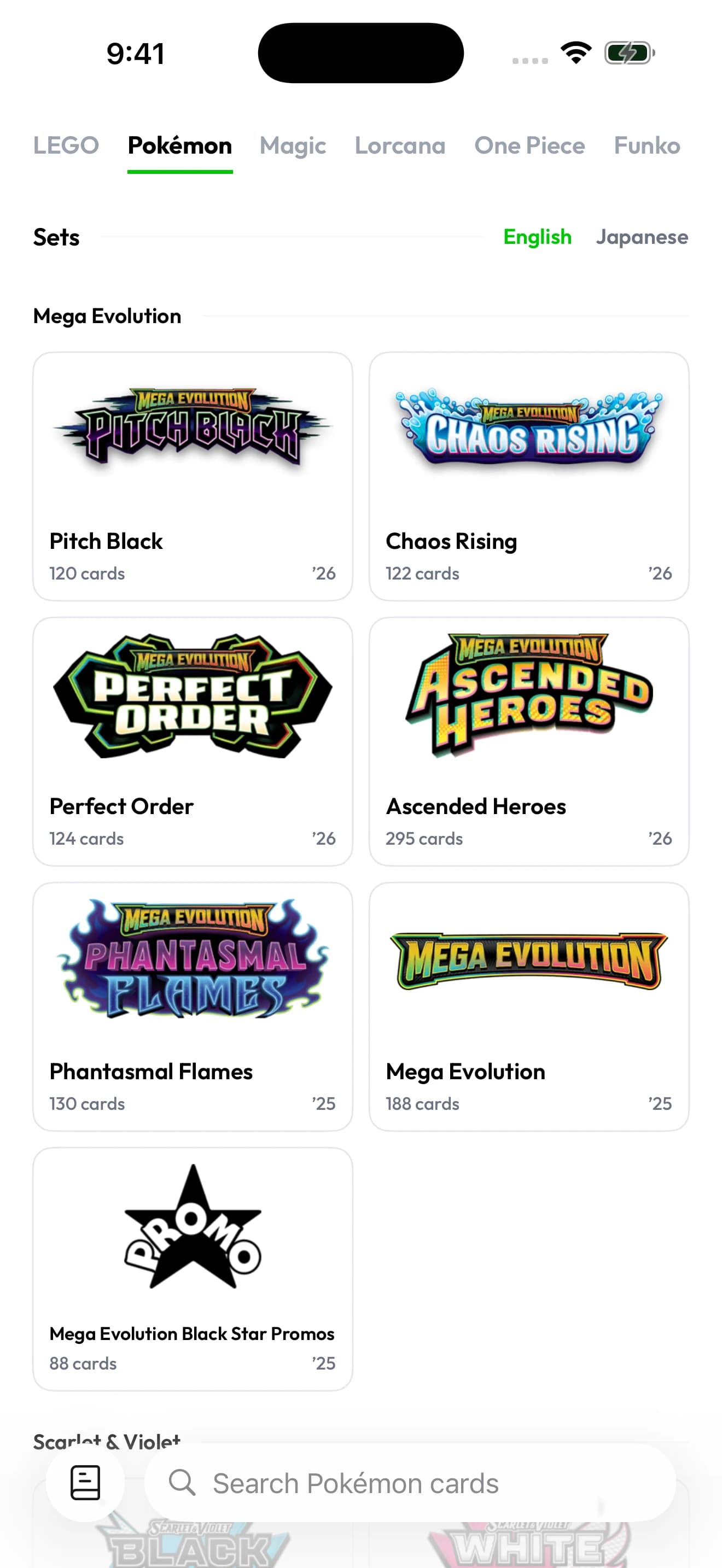
Browse the Pokémon catalog by set or search for a card. Check the language and printing as well as the character name.
Captured in Brickify on iPhone 17 Pro Max. View full-size screenshot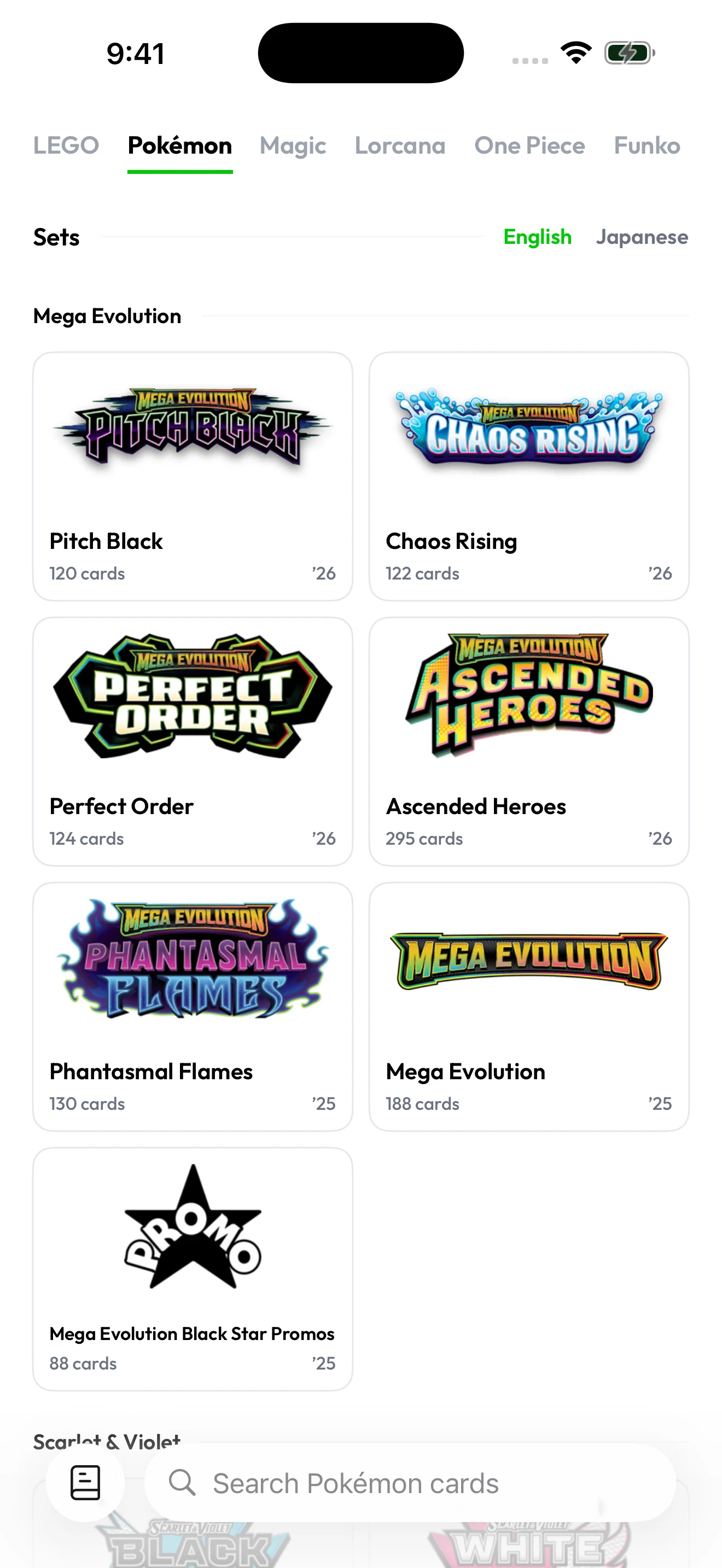
Give your collection a quick maintenance pass
After a collecting session, check new additions, trades, sales and uncertain scans. Before a major sale, revisit the highest-value cards first: confirm they are still present and that the recorded printing and condition are correct. A small amount of maintenance keeps a large inventory usable.
Common questions
Can I use Brickify as a Pokémon binder app?
Yes. Brickify combines card identification with collection organization. Keep the saved cards and quantities aligned with your physical binder.
Is the collection total what a buyer will pay?
No. It is an estimate. Condition, individual demand, selling fees and whether you sell singles or a lot can change your actual proceeds.
Sources & further reading
The app for your collection
Put your Pokémon collection in focus.
Scan your cards, check their estimated value, and keep your collection together with Brickify.
Free to download · iPhone, iPad & Android
Explore the Pokémon scannerEstimates are a reference, not guaranteed sale prices. Brickify is independent of the owners of the collectible brands mentioned here.