Get to know a find
Start with the details.
Identify a set, figure or card. Check the exact edition, variant and condition before making it part of your collection.
See how scanning works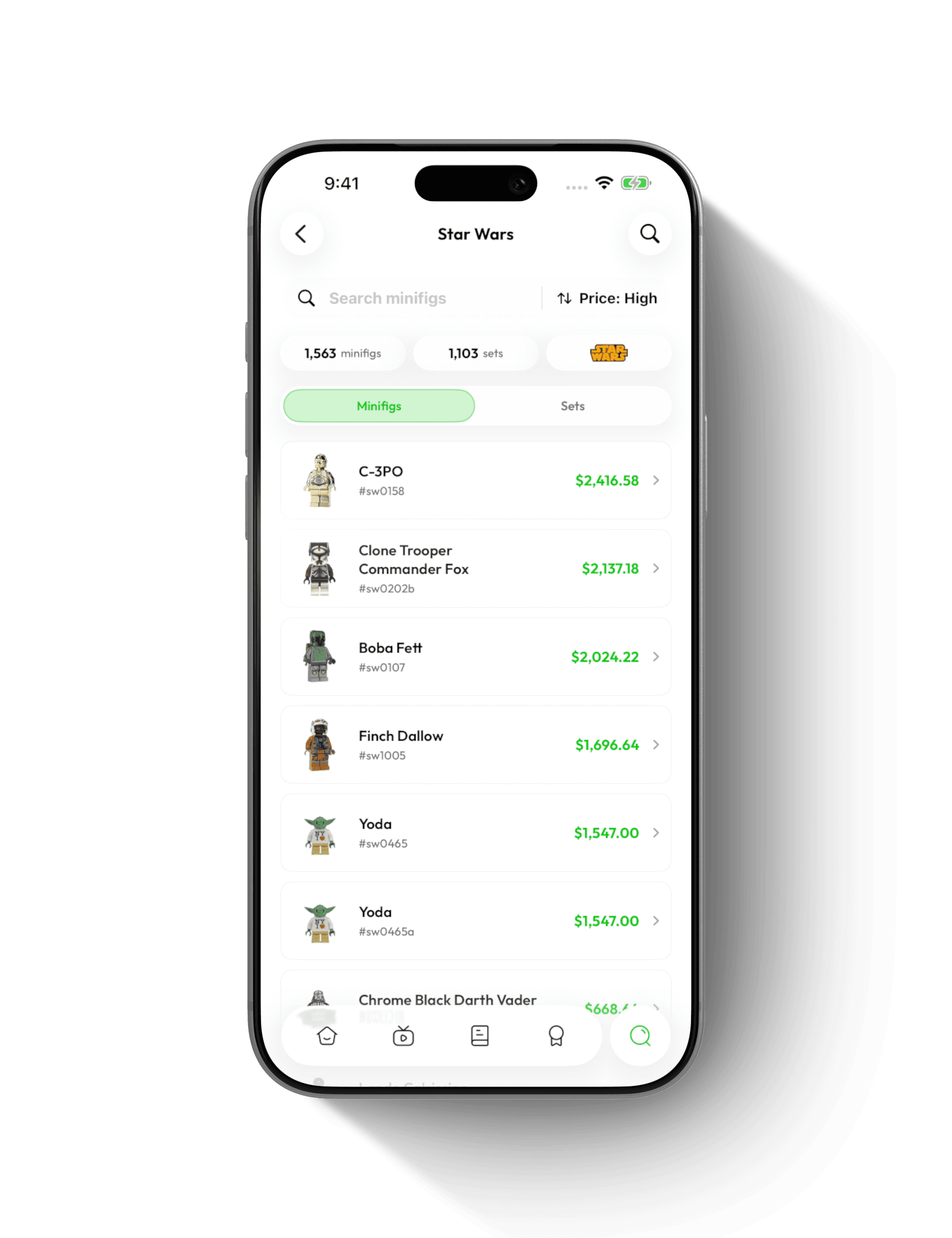
Made for the way you collect
For the shelf you keep adding to, the binder you know by heart, and the box you have been meaning to sort.
Get BrickifyGet to know a find
Identify a set, figure or card. Check the exact edition, variant and condition before making it part of your collection.
See how scanning worksBefore you buy or sell
Use estimated values and price history as a starting point. Compare like-for-like items and account for condition, selling fees and the details that make yours different.
Understand collection values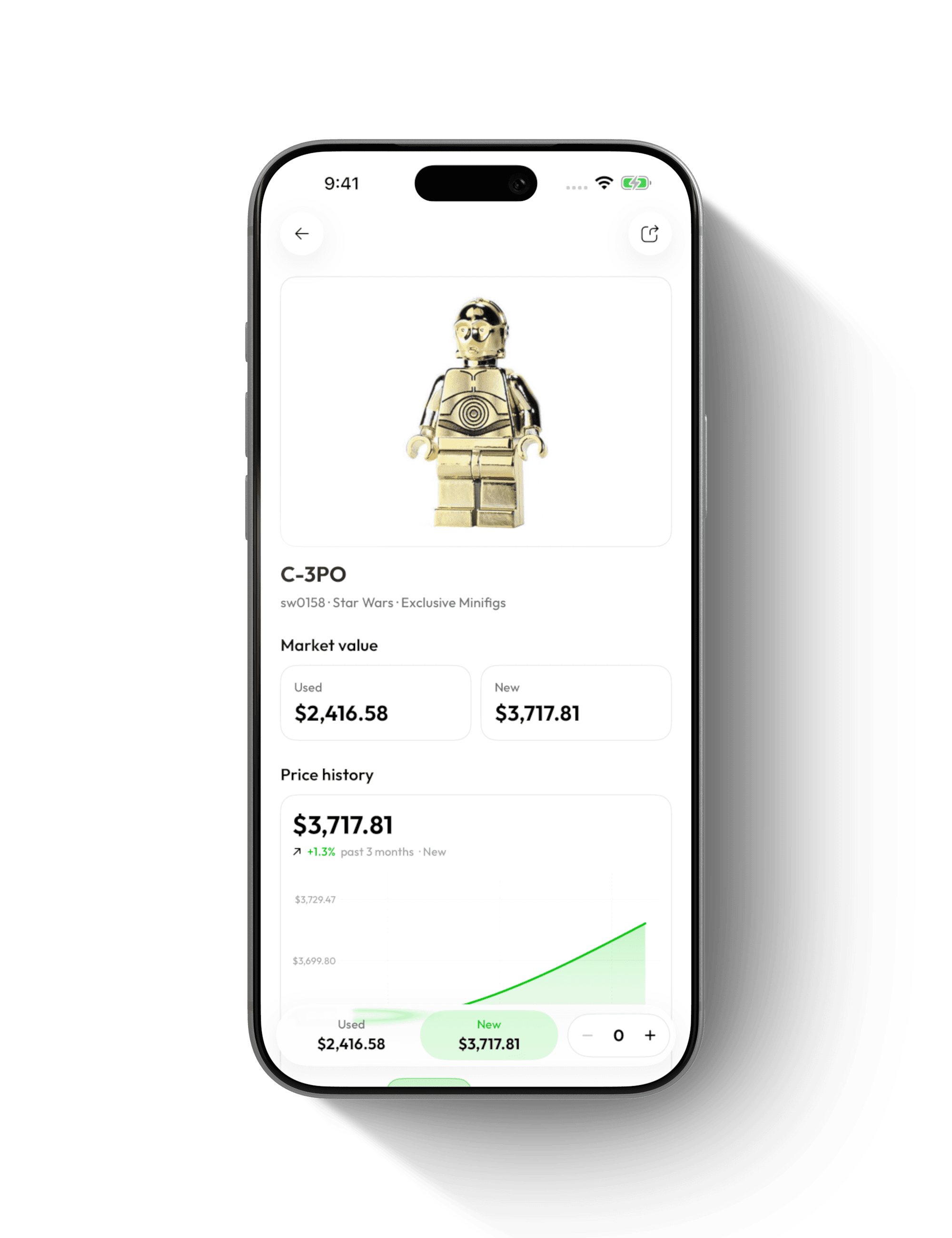
Keep track of what you own
Keep quantities and purchase details in one place. Check your collection on the go, so your next find does not have to be an accidental duplicate.
See collection tracking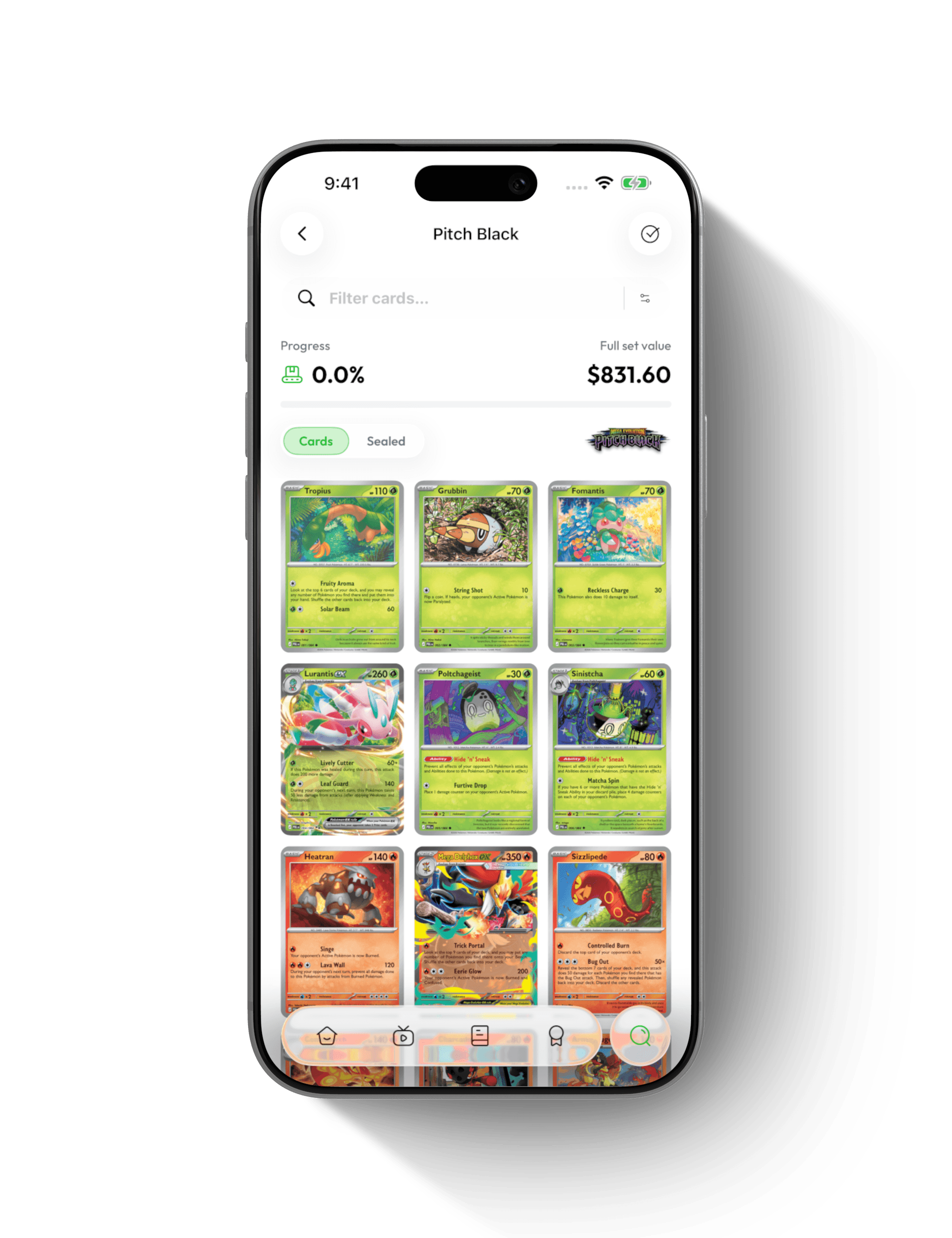
Find your next favorite
Browse sets, themes and releases across six collecting categories. Explore familiar favorites and get to know the things you have not collected yet.
See all categories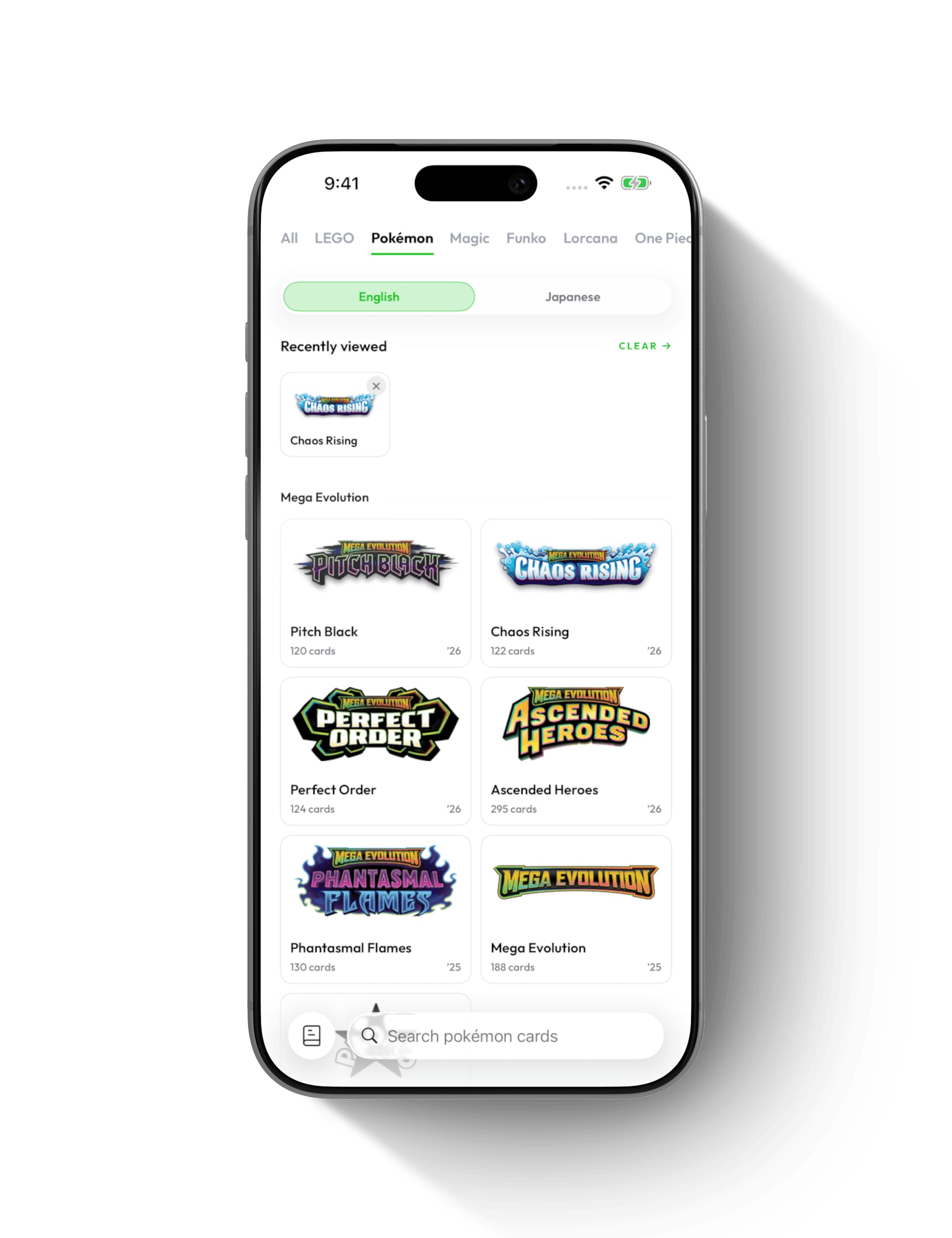
Make sense of a haul
Use supported bulk scan modes for cards and minifigures. Give each item a clear view, then review the results before adding them to your collection.
See how scanning works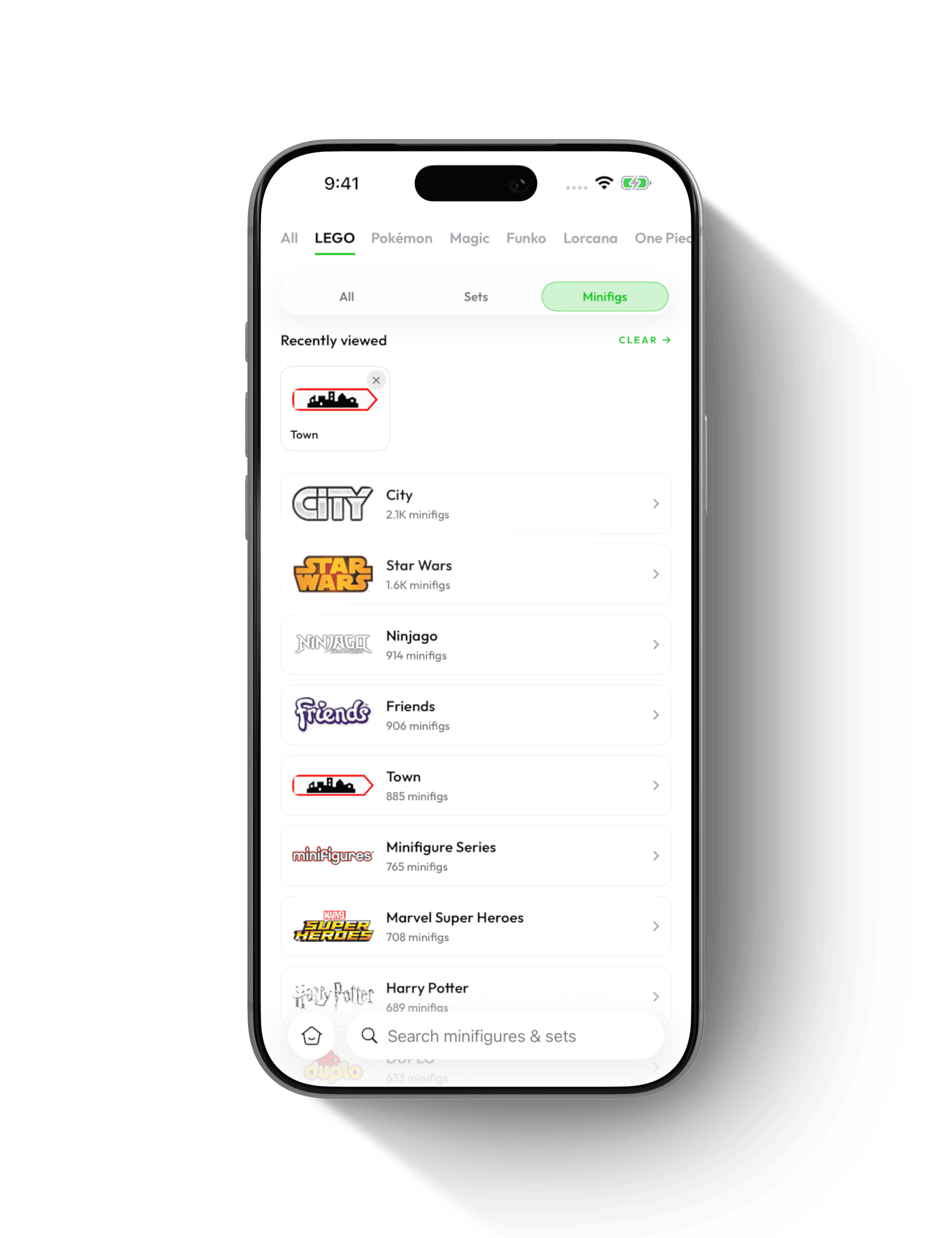
Put your pieces to work
Explore build ideas, open a model and check its parts list. See what your next project needs and make more of the LEGO pieces you already have.
Explore build ideas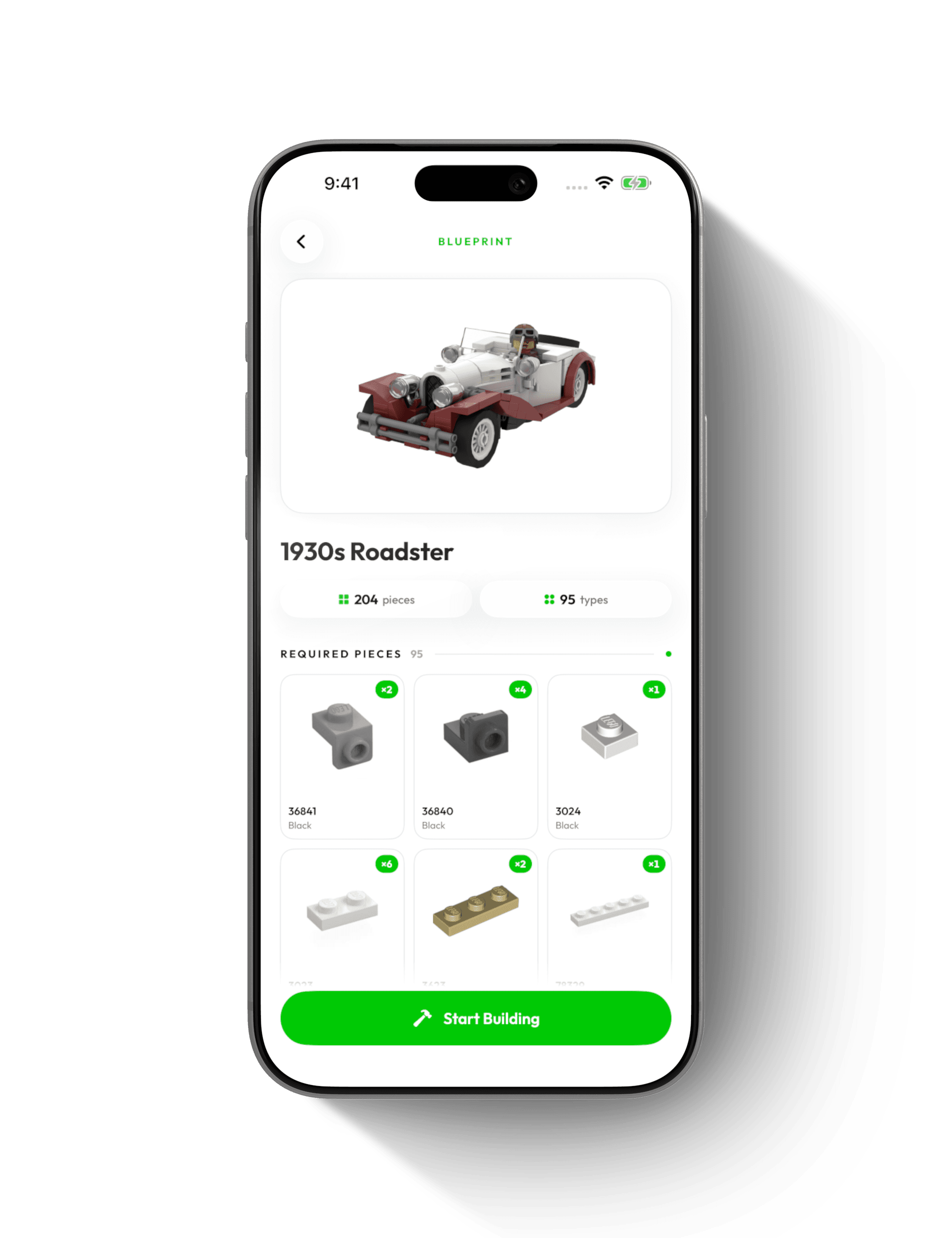
Six collecting categories. One place to keep the details.
Get BrickifyFree to download · iPhone, iPad & Android. Estimates are a reference, not guaranteed sale prices.